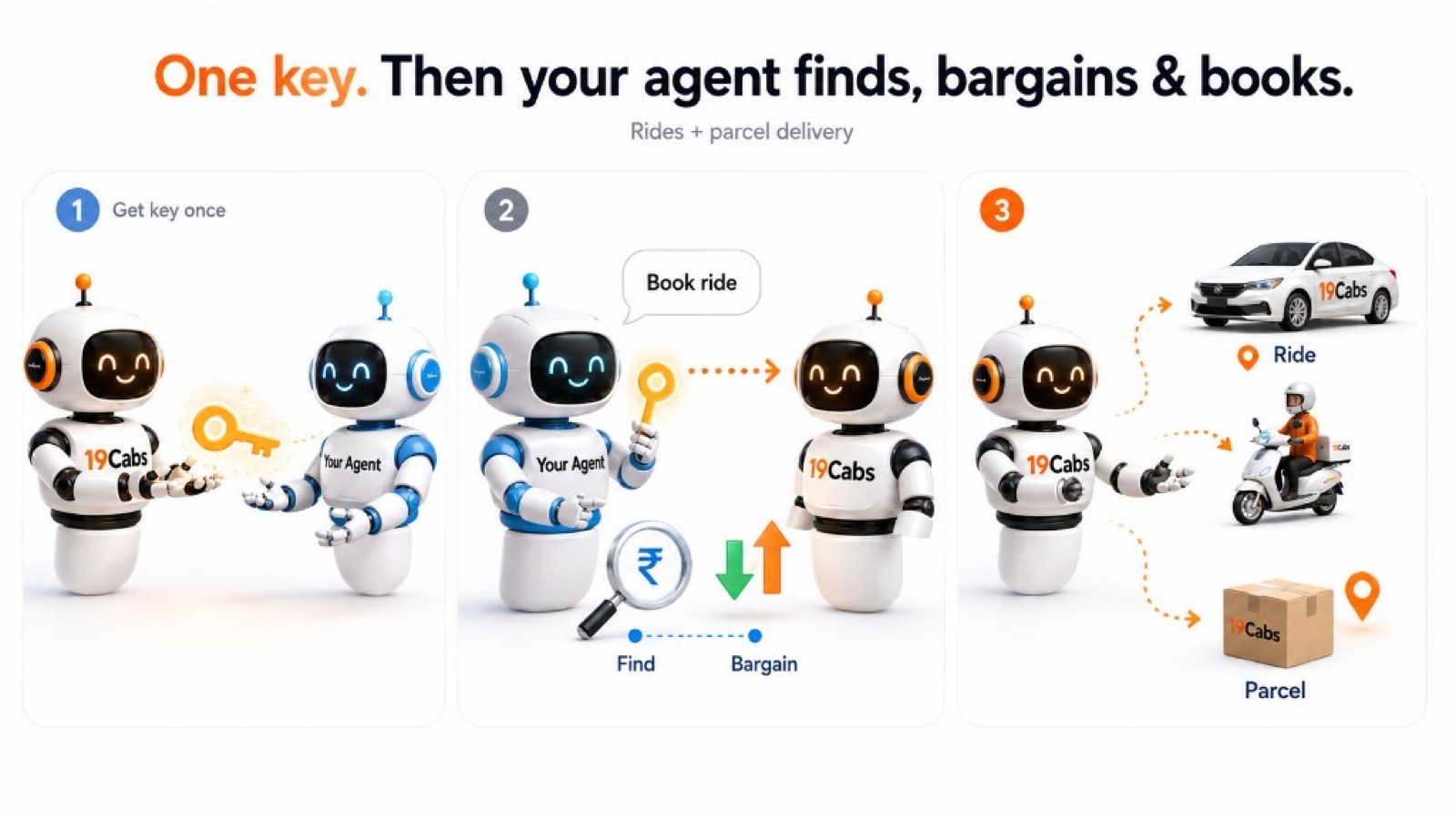
Direct answer: Developers create an API key once in the 19Cabs Agent Console, connect Cursor, Claude, Perplexity, Gemini, a custom bot, or any MCP-compatible agent, and the agent can find, bargain, and book rides or parcel delivery on the same India network as the 19Cabs app. The rider still verifies every trip with phone OTP. Free plan: 2 production test rides.
Your agent gets a 19Cabs key once — then finds, bargains, and books rides and parcel delivery for you.
One key. Then your agent finds, bargains & books. Rides + parcel delivery.
How to connect an AI agent to 19Cabs
- Sign up at console.19cabs.com and generate an Agent API key.
- Put the key in server / MCP config (header `x-agent-api-key`) — never in public prompts.
- Point MCP at `https://api.19cabs.com/agent/mcp` (or use REST `/agent/*` on `https://api.19cabs.com`).
- Let the agent search options, apply fare rules, and book a ride or parcel.
- Rider completes OTP before the production trip is authorized.
Docs: Book with AI — API & MCP · AI blogs · llms.txt
Two locks: key vs OTP
- API key — Is this a trusted agent talking to 19Cabs? Lives in Console / MCP config.
- Phone OTP — Is this the real rider for this trip? SMS to +91 on every production booking.
Same rider verification whether booking starts in the app, ChatGPT, Alexa, or your custom agent. Credentials authorize the *platform*; OTP authorizes the *person*.
Find, bargain & book
With the key, your agent can:
- Find options on the same 19Cabs dispatch riders use
- Bargain within product fare rules when timing or budget matters
- Book a passenger ride — or a parcel delivery — when ready
Same captains. Same fares. Same streets across live Indian cities.
Free plan for a real first booking
The free plan includes 2 production test rides so builders can run the full journey with a real OTP booking — not a demo sandbox.
Related stories
- Riders (no API key): Your AI already talks. Now it can call a cab — ChatGPT / Alexa
- Two locks deep dive: MCP Agent Book Ride — API key + OTP
- Product reason: Why 19Cabs exists
Also on LinkedIn
Builder story also on the 19Cabs LinkedIn company page.
Start
Create your agent key → https://console.19cabs.com